 Cliplo
 Linux · Private beta
Cliplo for Linux. Clipboard history for every major desktop.
- 1Meeting moved to Thursday 3:30, same room
- 22880 × 1800
- 3Quarterly budget reviewexample.com
- 4rs
let total: u32 = items.iter().sum(); - 5Invoice-2026-0418.pdf~/Documents
- 6#C2603E
- 7Thanks for the notes from yesterday. I’ll send the deck on Monday.
- 8sql
SELECT name FROM users LIMIT 10 - 9How to reset your routersupport.example.net
- 14 Rue des Manguiers, Douala
- 1280 × 720
- py
print(sum(marks) / len(marks)) - Essay-final-v3.docx~/Documents/School
- Delivery on Wednesday between 10 and 12
- #2F6F5E
- Cell biology noteswww.example.edu
- Open 8:00 to 18:30, closed on Sunday
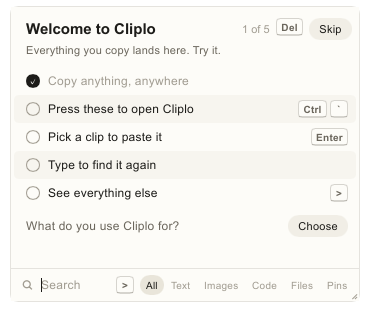
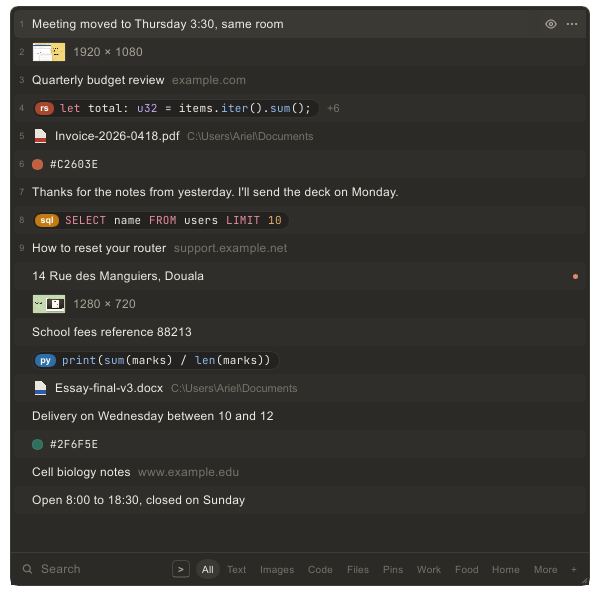
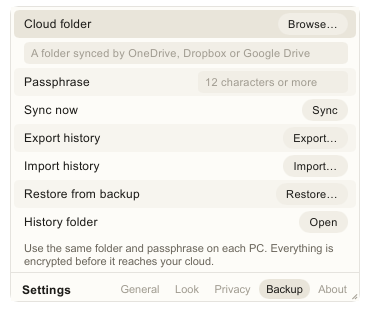
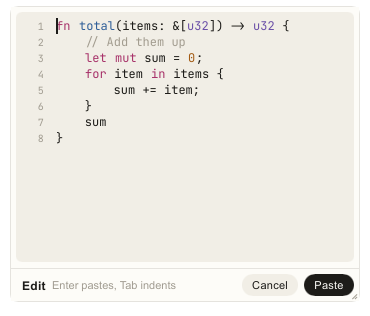
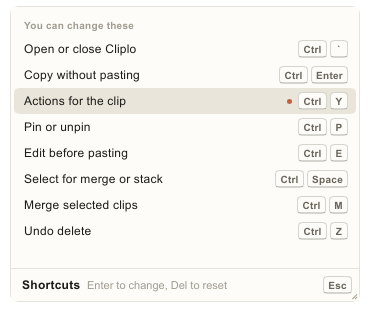
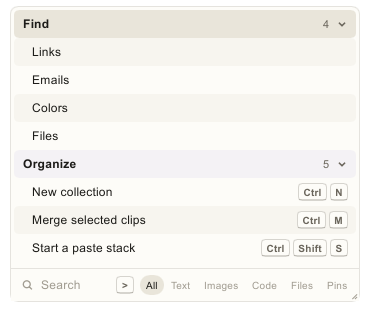
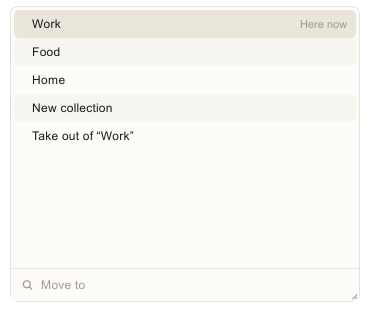
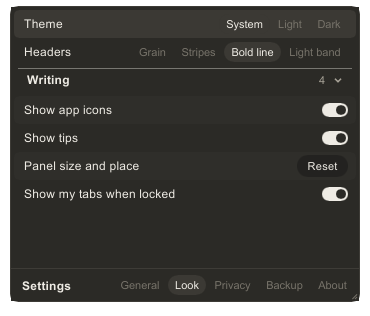
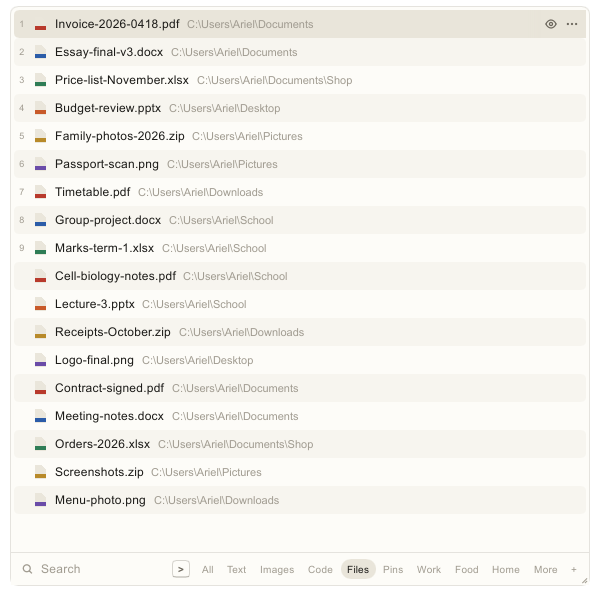
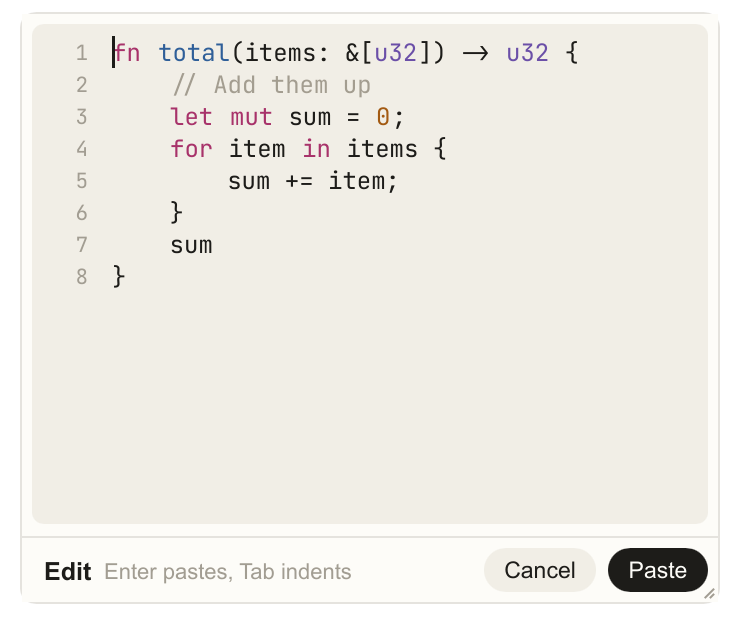


Cliplo with sample content, as it appears on Linux. Search, switch tabs, use ↑ ↓, Enter and Space.
Wayland and X11. Feature availability by desktop environment.
| KDE Plasma 6 on WaylandKubuntu 25.04 or later, KDE neon, Fedora KDE, Debian, Arch Linux, openSUSE | GNOME on WaylandUbuntu, Fedora Workstation, Debian | Any desktop on X11Linux Mint, Xfce, MATE, Plasma on X11 | |
|---|---|---|---|
| Clipboard history | Yes | Yes | Yes |
| Paste into the active application | Yes | Yes | Yes |
| Global shortcut, Ctrl+` | Yes | Yes | Yes |
| Screenshot text search (Pro) | Yes | Yes | Yes |
| Panel position | Placed by KDE | At the pointer | At the pointer |
| Ignored applications | Not available | Yes | Yes |
| Setup | None | One sign-out after the first launch | None |
Not supported
- KDE Plasma 5
- Not supported. KDE Plasma 6 or later is required.
- SteamOS, Bazzite, Fedora Kinoite
- Not supported. These systems do not accept package installation.
Session type. The following command returns wayland or x11.
echo $XDG_SESSION_TYPEScreenshots, read on the device. Tesseract recognizes their text in the system language.
Every copied screenshot, in a grid of its own.
Space opens any image at full size.
Words inside screenshots are included in search.
Private on Linux. The key is held in the system keyring.
History is encrypted with a key the keyring protects.
Copies that KeePassXC and others mark as private are never recorded.
Held in memory only, for five minutes.
Installation
Native packages. For each major distribution.
The package is provided with your beta invitation.
cliplo_0.9.0_amd64.deb
Debian 13, Ubuntu 22.04 or later, Linux Mint 21 or later, Kubuntu, KDE neon.
sudo apt install ./cliplo_0.9.0_amd64.debcliplo-0.9.0-1.x86_64.rpm
Fedora Workstation, Fedora KDE, openSUSE Tumbleweed. On openSUSE, install with zypper.
sudo dnf install ./cliplo-0.9.0-1.x86_64.rpmcliplo-0.9.0-1-x86_64.pkg.tar.zst
Arch Linux, Manjaro, EndeavourOS. Screenshot text search requires the tesseract package.
sudo pacman -U cliplo-0.9.0-1-x86_64.pkg.tar.zstPlatform details
Specific to Linux.
Search, pins, tabs, the vault and sync work as they do on Windows. The following details apply to Linux.
- Encryption key
- Stored in the system keyring: KDE Wallet or GNOME Keyring. History is encrypted as on Windows.
- GNOME integration
- Cliplo installs a GNOME Shell extension on first launch. It serves Cliplo alone and becomes active after one sign-out.
- Start at login
- Enabled by default. Can be disabled per user in Settings.
- Screenshot text search
- Performed on the device by Tesseract, in the system language. Included with the package on Debian, Ubuntu, Linux Mint and Fedora. Pro feature.
- Link previews
- Disabled by default. When enabled, requests use HTTPS and send no cookies.
- Licensing
- One Pro license covers Linux, macOS and Windows, on two computers.