 Cliplo
macOS · In development
Cliplo for macOS. Designed for macOS 26.
- 1Meeting moved to Thursday 3:30, same room
- 22880 × 1800
- 3Quarterly budget reviewexample.com
- 4rs
let total: u32 = items.iter().sum(); - 5Invoice-2026-0418.pdf~/Documents
- 6#C2603E
- 7Thanks for the notes from yesterday. I’ll send the deck on Monday.
- 8sql
SELECT name FROM users LIMIT 10 - 9How to reset your routersupport.example.net
- 14 Rue des Manguiers, Douala
- 1280 × 720
- py
print(sum(marks) / len(marks)) - Essay-final-v3.docx~/Documents/School
- Delivery on Wednesday between 10 and 12
- #2F6F5E
- Cell biology noteswww.example.edu
- Open 8:00 to 18:30, closed on Sunday
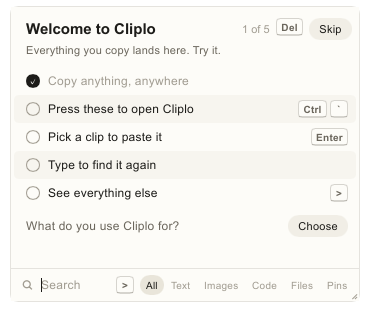
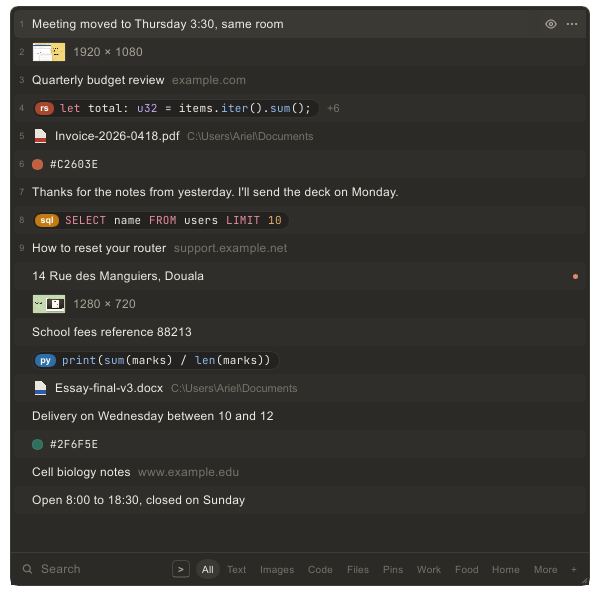
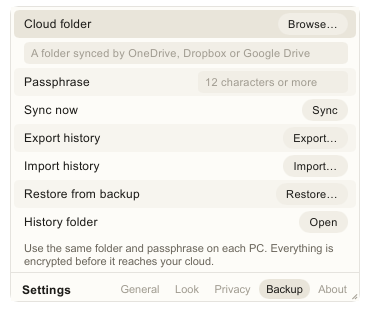
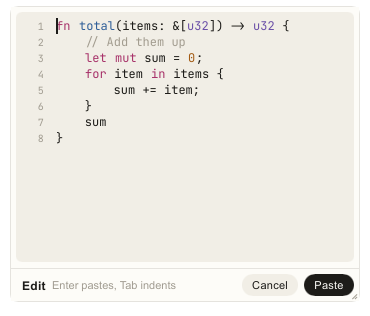
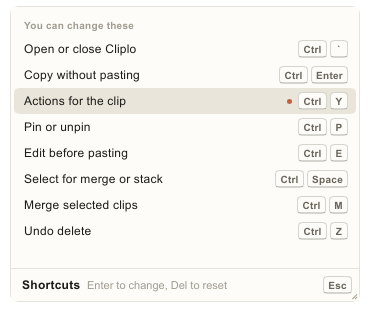
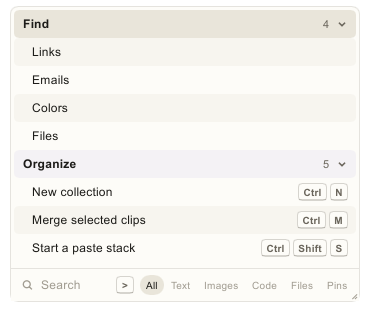
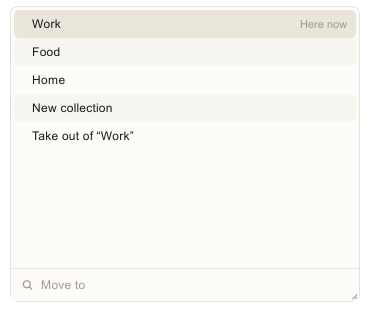
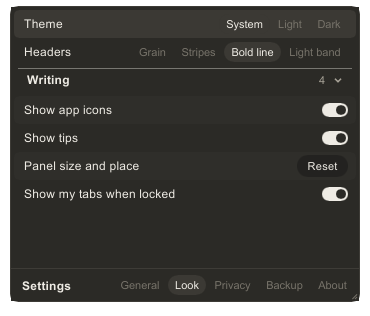
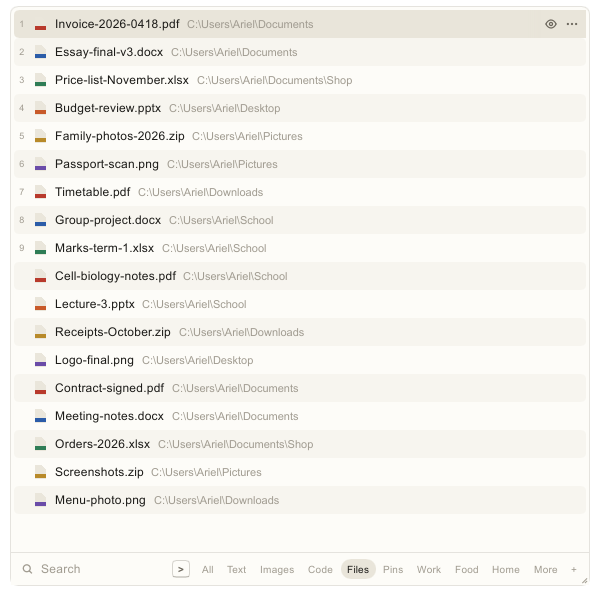
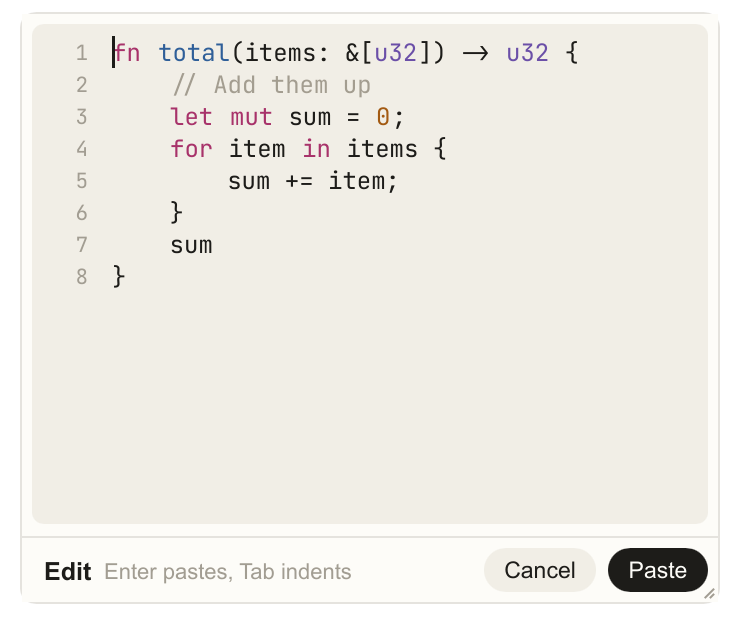
Design preview of the planned macOS version, with sample content. Search, switch tabs, use ↑ ↓, Enter and Space, or swipe a row.
Liquid Glass, for the controls only. Cliplo’s history stays solid and legible underneath.
Search, commands and tabs float on Liquid Glass, above the content.
The bar follows the curve of the panel, as macOS 26 does.
macOS 13 to 15 use the standard translucent material in the same place.
Quick Look and the trackpad. Mac conventions, at Cliplo’s keyboard speed.
Previews any clip at full size, as in Finder.
A two-finger swipe on a row offers Pin and Delete.
Paste the first nine clips directly.
Private on the Mac. The key is held in the Keychain, secrets in memory only.
The history key is available to the signed-in user only.
The panel is excluded from shares and recordings.
Optional lock for the history and the vault.
Planned platform details
Specific to macOS.
Search, pins, tabs, the vault and sync will work as on Linux and Windows. The following details are planned for macOS.
- Liquid Glass
- On macOS 26, search and filters sit on one Liquid Glass bar above the history. Earlier versions use the standard translucent material.
- History
- Identical to Linux and Windows: numbered rows, code with syntax colours, pictures, files and colours.
- Encryption key
- Stored in the macOS Keychain, available to the signed-in user only.
- Password managers
- Content that password managers mark as concealed or transient is never recorded.
- Screen sharing
- The panel is excluded from screen sharing and screen recordings.
- Touch ID
- Optional lock for the history and the vault.
- Keyboard
- ⇧⌘V opens Cliplo. ⌘1 to ⌘9 paste directly. Space opens Quick Look.
- Screenshot text search
- Performed on the device by Apple’s Vision framework. Pro feature.
- Permissions
- Accessibility only, used to paste into the active application.
- Requirements
- macOS 13 Ventura and later, on Apple silicon and Intel Macs.
- Licensing
- One Pro license covers Linux, macOS and Windows, on two computers.