 Cliplo
Use cases
Cliplo at work. For developers, founders and everyday work.
Each scene below is Cliplo with sample content, doing what it does on the device.
Developers. Keys stay out of the history, and commands are checked before they run.
A token copied from the terminal is masked.
Keys for 65 services are recognized on copy and never written to disk. In a settings file, only the key is removed and the rest is kept.
- Private keys and recovery phrases included
- Pro holds the original in memory, masked, for five minutes
- Hold Alt to reveal it
A command that runs a hidden download is flagged.Pro
Copied commands are checked against published rules. A warning explains what the command does before it reaches a terminal.
- 54 rules for Linux, macOS and Windows
- Fake “verify you are human” commands included
- The clipboard can be cleared in one step
A screenshot that shows a key stays hidden.Pro
Text in copied pictures is read on the device. A picture that shows a secret is kept out of view, and can be pasted with the secret blacked out.
- Recognized locally, never uploaded
- Keys, tokens and card numbers
- Small or blurred text can be missed
Founders. Payment keys, wallets and company data stay on the device.
Payment and cloud keys never reach the disk.
Stripe, AWS, OpenAI and other service keys copied from a dashboard are recognized at once. The history keeps a masked entry, not the key.
- The masked entry names the service
- Nothing kept in backups or sync
- Pro holds the original for five minutes
A swapped wallet address is caught.Pro
Malware can replace a copied wallet address with its own. Cliplo flags the change and restores the address that was copied.
- Bitcoin, Ethereum, Litecoin and Tron addresses
- Detected within moments of the copy
- Restored in one step
History is encrypted on the device.
Every clip is encrypted before it is stored, with a key protected by the operating system. There is no account and no Cliplo server.
- XChaCha20-Poly1305
- Key held by DPAPI on Windows and the keyring on Linux
- Clipboard content is never uploaded
Everyday work. Everything copied is found again, and passwords are left out.
Password manager copies are never recorded.
Password managers mark copied passwords as private. Cliplo honors the marking, so a password never enters the history. Everything else is kept.
- Applications can also be ignored by name
- Recording can be paused
- Text, images, links, code and files
Anything copied can be found again.
Search by a word, by the application a clip came from, or by the day it was copied. Results narrow with each letter.
- Filters such as link:, img: and code:
- from:chrome and yesterday with Pro
- Text in screenshots is searchable with Pro
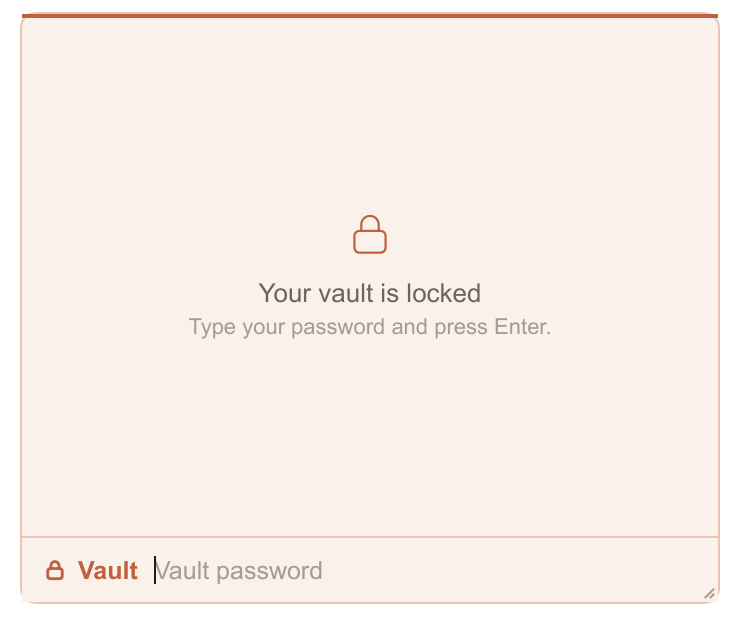
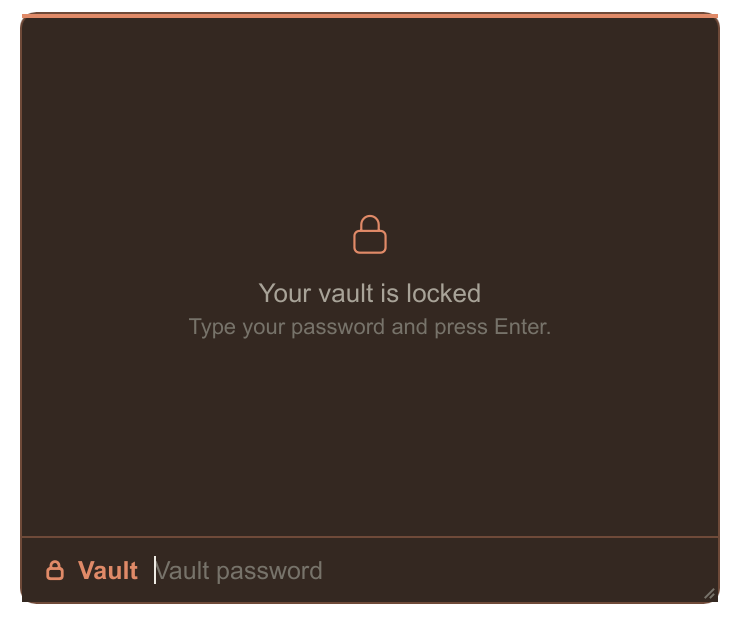
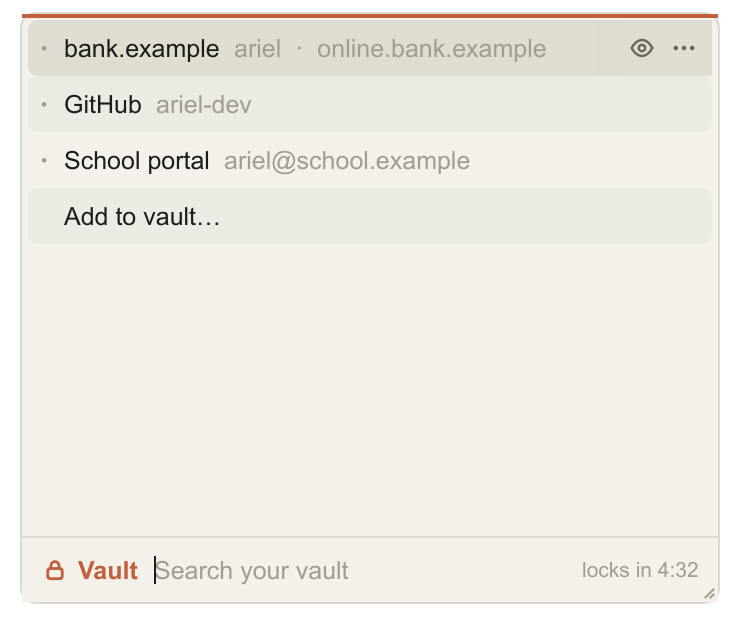
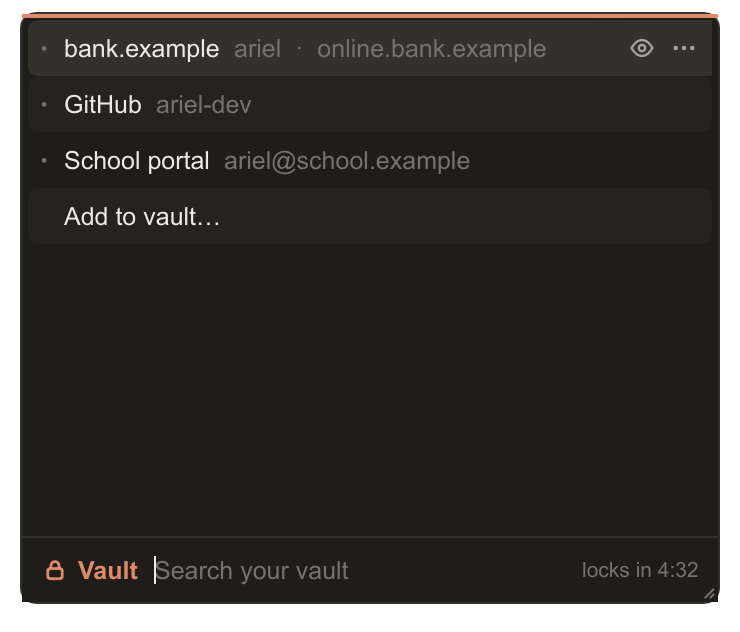
Logins kept in a concealed vault.Pro
The vault opens only when its password is typed into the search field. Nothing on screen shows that it exists.
- User name, notes and sites for each login
- Pasted passwords are cleared after 30 seconds
- Locks after five minutes of inactivity