 Cliplo
Windows · Private beta
Cliplo for Windows. Clipboard history for Windows 10 and 11.
- 1Meeting moved to Thursday 3:30, same room
- 22880 × 1800
- 3Quarterly budget reviewexample.com
- 4rs
let total: u32 = items.iter().sum(); - 5Invoice-2026-0418.pdf~/Documents
- 6#C2603E
- 7Thanks for the notes from yesterday. I’ll send the deck on Monday.
- 8sql
SELECT name FROM users LIMIT 10 - 9How to reset your routersupport.example.net
- 14 Rue des Manguiers, Douala
- 1280 × 720
- py
print(sum(marks) / len(marks)) - Essay-final-v3.docx~/Documents/School
- Delivery on Wednesday between 10 and 12
- #2F6F5E
- Cell biology noteswww.example.edu
- Open 8:00 to 18:30, closed on Sunday
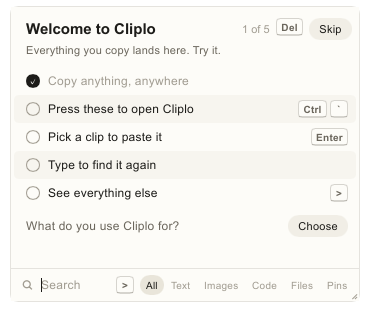
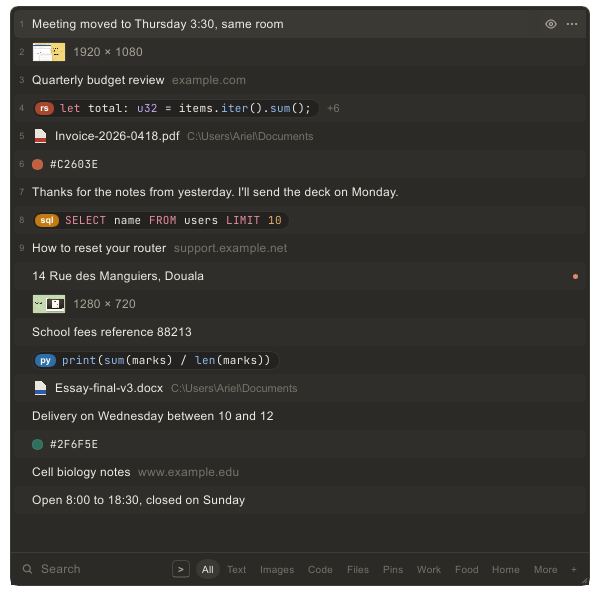
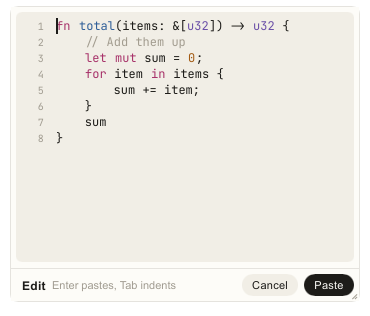
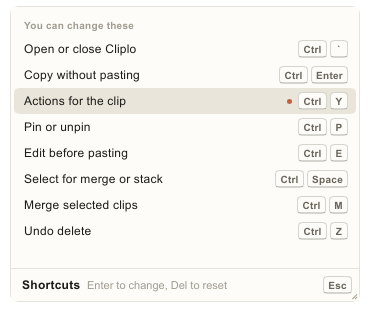
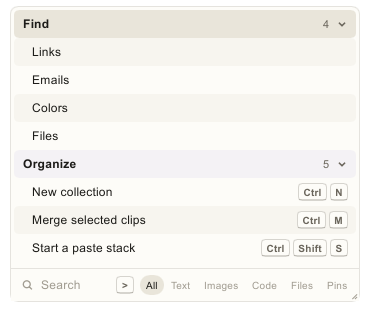
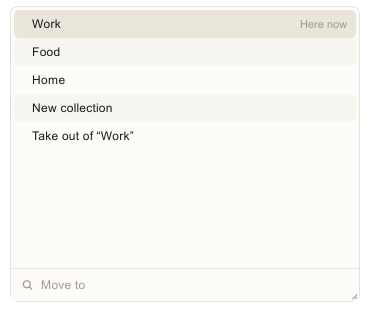
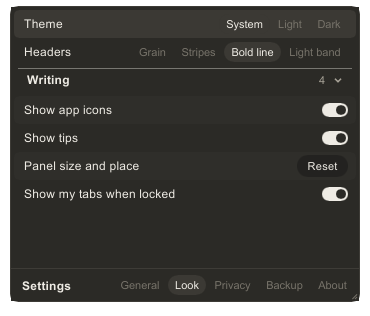
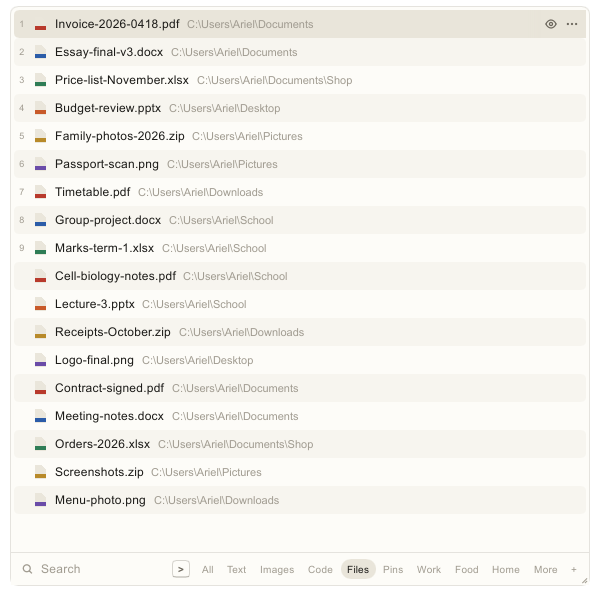
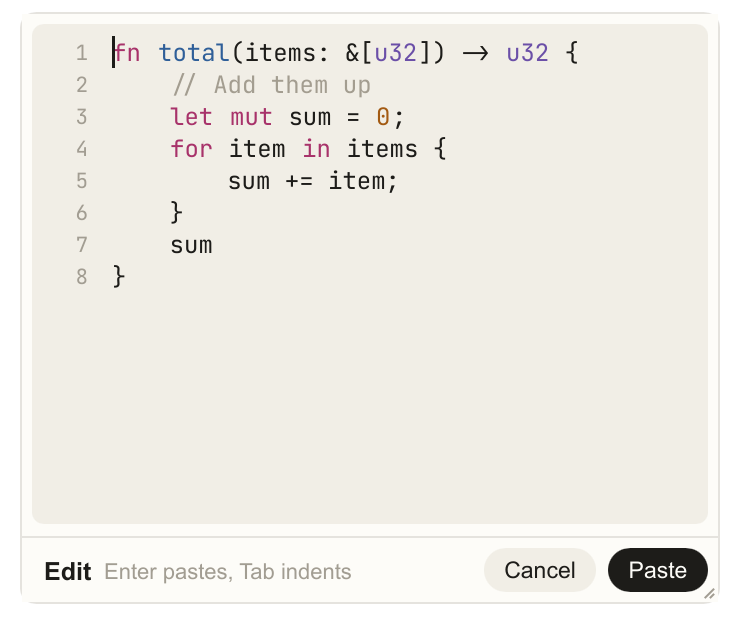


Cliplo with sample content, as it appears on Windows. Search, switch tabs, use ↑ ↓, Enter and Space.
History from Win+V and Ditto. Imported on first launch, so nothing starts from zero.
The items Win+V holds, with their text, pictures and formatting.
The full history, with groups and pinned items.
Passwords and keys found in the old history are not imported.
Screenshots, read on the device. Windows text recognition makes their words searchable.
Space opens any image at full size.
Copies every recognized word in an image at once.
Paste the first nine clips directly.
Private on Windows. The key is protected by Windows for the signed-in account.
Other accounts on the same PC cannot read it.
Content they mark as private is never recorded.
Held in memory only, for five minutes.
Installation
One installer. No administrator rights.
CliploSetup-0.9.0.exe
Windows 10 and 11, 64-bit. Installs for the current user only. Provided with the beta invitation.
- Run the installer. Administrator rights are not required.
- Select whether Cliplo starts at sign-in and whether to add a desktop shortcut.
- Press Ctrl ` in any application to open Cliplo.
Platform details
Specific to Windows.
Search, pins, tabs, the vault and sync work identically on every supported system. The following details apply to Windows.
- Encryption key
- Protected by Windows for the signed-in account. Other accounts on the same PC cannot read the history.
- Password managers
- Content that password managers mark as private is never recorded, using the standard Windows clipboard formats.
- Windows clipboard history
- Private content copied by Cliplo carries the same marking, so Windows clipboard history (Win+V) and cloud clipboard exclude it.
- Start at sign-in
- Selected by default during setup. Can be changed in Settings.
- Screenshot text search
- Performed on the device by the Windows text recognition engine, in the installed languages. Pro feature.
- Uninstallation
- Through Settings, under Apps. The uninstaller offers to delete or retain the clipboard history.
- Licensing
- One Pro license covers Linux, macOS and Windows, on two computers.